Part of: Paying in the Philippines
Search “how to turn crypto into pesos in the Philippines” and you’ll get exchanges, peer-to-peer trades, and remittance desks. Most of it solves a problem you don’t have. If you’re a traveler holding stablecoins, the fastest way to spend them in Manila isn’t to convert them into a stack of banknotes first. It’s to pay with them directly, at the counter, and let the shop receive pesos.
That’s the whole shift. You keep your money as stablecoins until the moment you spend it, and the peso side happens on the merchant’s end, handled by a licensed local company. No local wallet to sign up for, no cash to carry, no rate to hunt.
Spend it, don't change it
Keep it as stablecoins
Hold USDC or USDT in Yodl. There's no step where you turn your balance into pesos and park it somewhere; the balance stays yours until you pay.
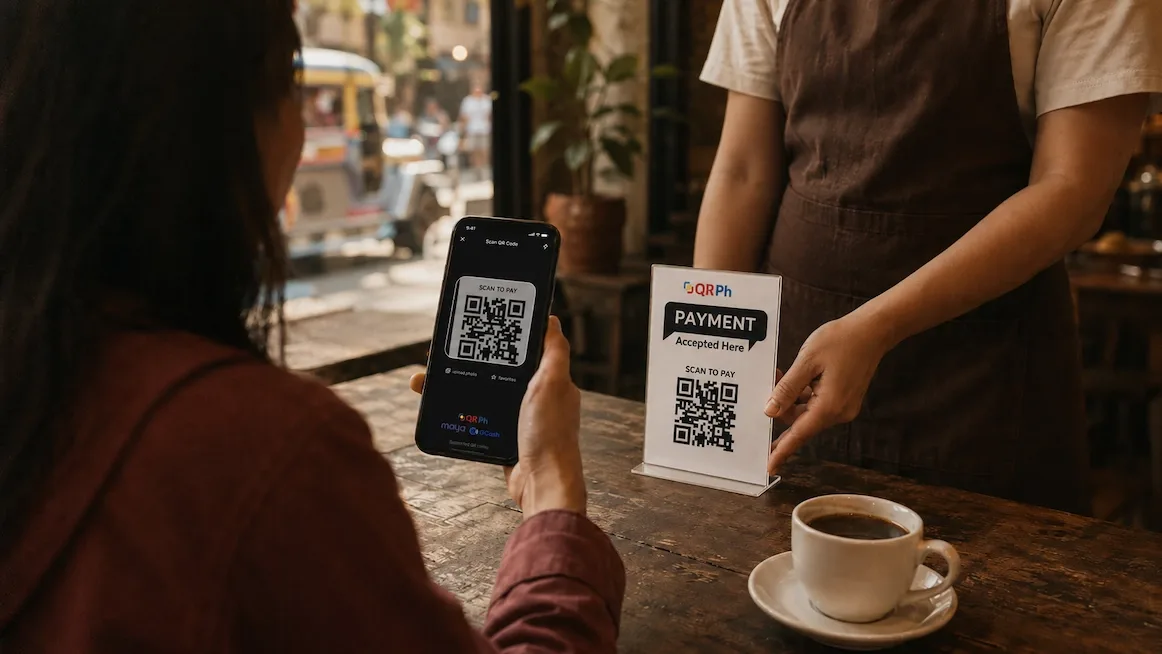
Scan the QRPh code
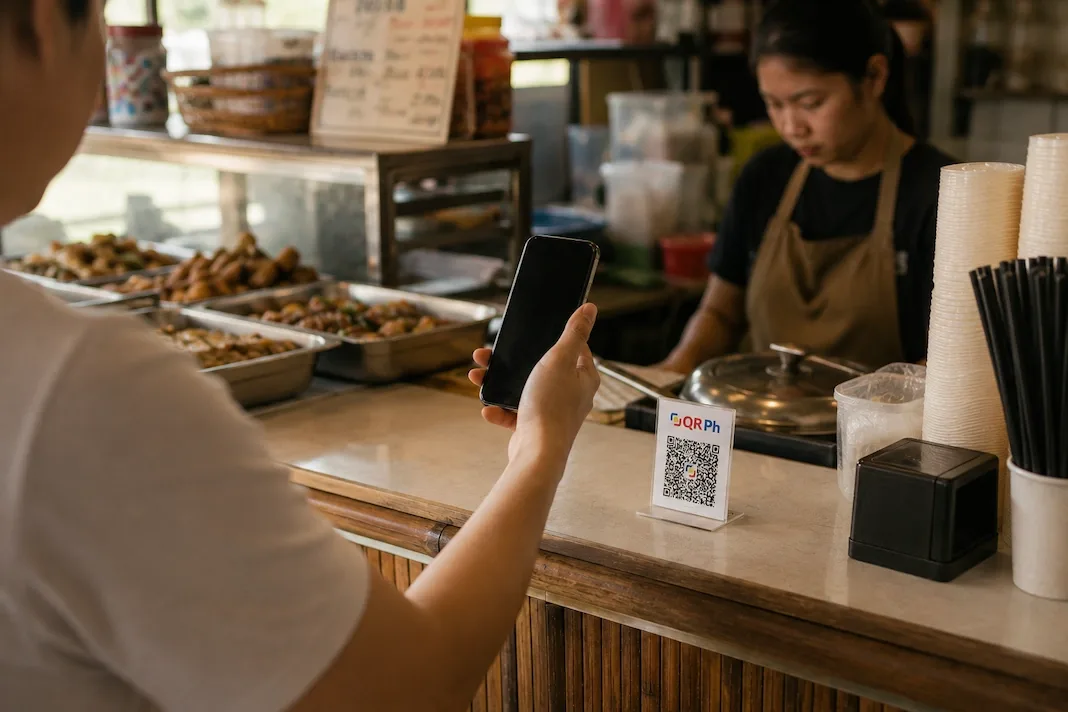
Nearly every café, restaurant and convenience store in Metro Manila shows the national QRPh code at the register, the same one GCash and Maya users scan. Point Yodl at it and check the peso amount.
The shop gets pesos
Approve on your phone. A licensed local company pays the merchant in pesos, and your afternoon carries on. Nothing to withdraw, nothing to carry.
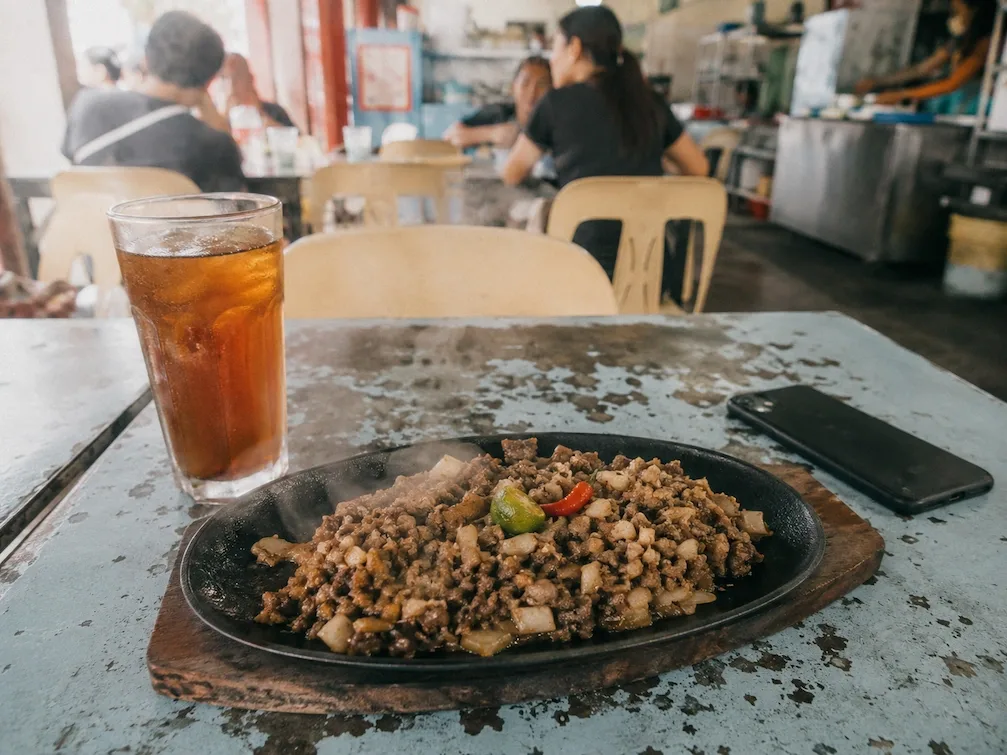
In Manila, you rarely need to change money at all.
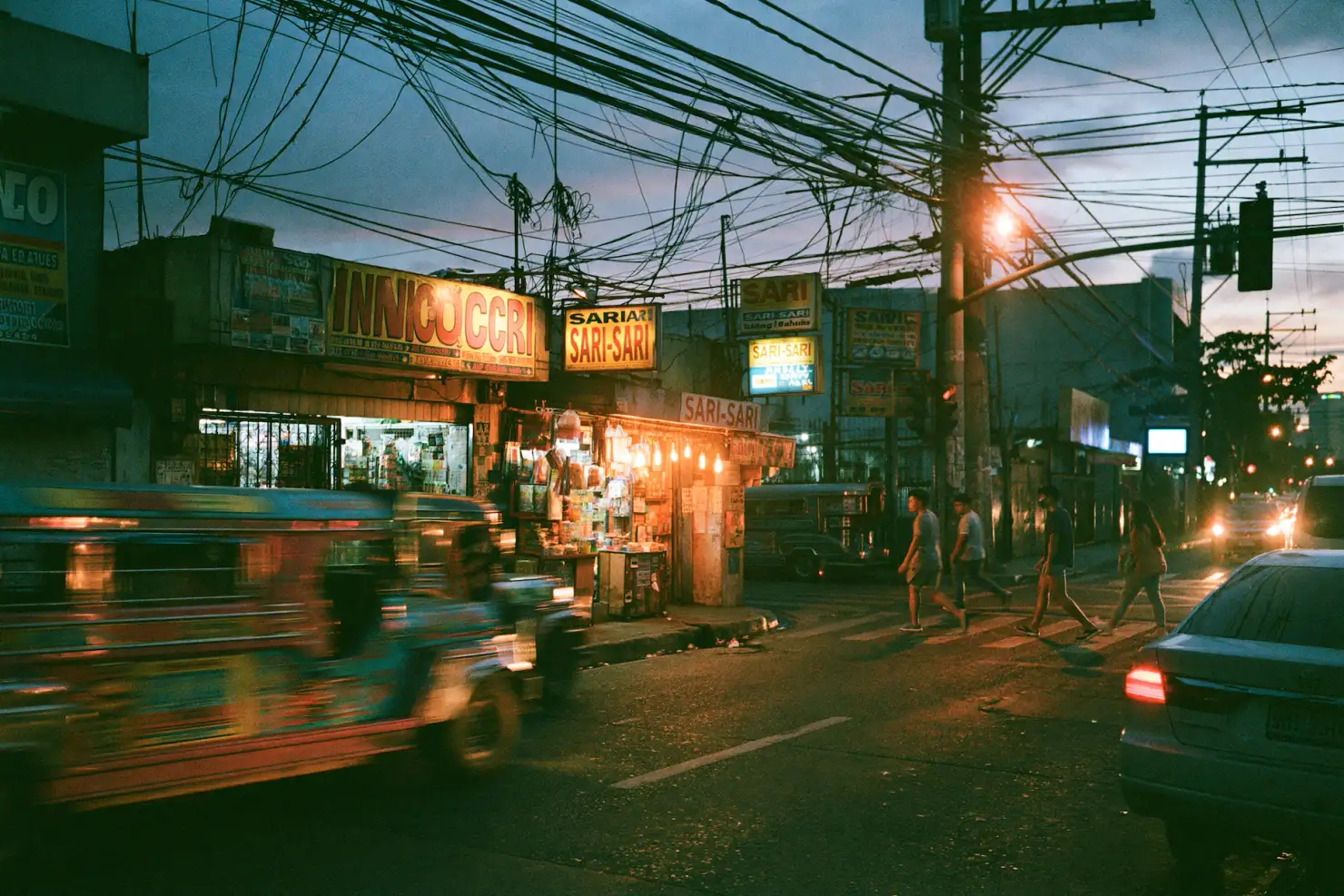
There are moments the QR won’t cover: a jeepney, a tricycle, a sari-sari store, the smallest carinderia with a handwritten menu. For those you’ll want a thin float of pesos in your pocket. One modest ATM pull covers a week of it. Treat it as pocket money, not a plan — most of your spending goes by QR.
Mistakes to avoid
Chasing a GCash account you don't need
GCash and Maya generally want a Philippine number and local verification, so most visitors can't finish sign-up. You don't need one to pay the same QR the locals scan.
Converting everything to cash on day one
The instinct is to turn a chunk of money into a brick of pesos. Resist it. You'll spend most of it by QR anyway, so change little, and only for the cash-only corners.
Stacking ATM fees
Every withdrawal stacks your home bank's fee on the local one. Fewer, smaller pulls for the paper you actually need; the register QR for everything bigger.
Trusting a special tourist rate
The peso is the peso here, one rate for everyone. Anyone pitching a secret rate reserved for you is selling something.
Common questions
Do I have to convert my crypto to pesos before I can spend it?
No. You hold stablecoins and pay the counter's QRPh code directly; a licensed local company pays the merchant in pesos. There's no step where you swap your balance for cash first.
Do I need GCash or a Philippine bank account?
No. You don't open a local wallet or a Philippine bank to pay this way. Your side is the stablecoin balance; the licensed partner's side is the pesos that reach the shop.