Part of: Paying in the Philippines
Manila will not hand you a clever exchange-rate trick. The peso is the peso, the same for you and the person behind you in line, and anyone promising a secret rate is selling something. The city gets your money a quieter way, in small forgettable amounts: a markup buried in a card terminal here, an ATM stacking its withdrawal fee on top of your home bank’s there, a bad rate at the airport window while you’re tired. The good news is that the city already solved paying for its own residents, and you can borrow that system.
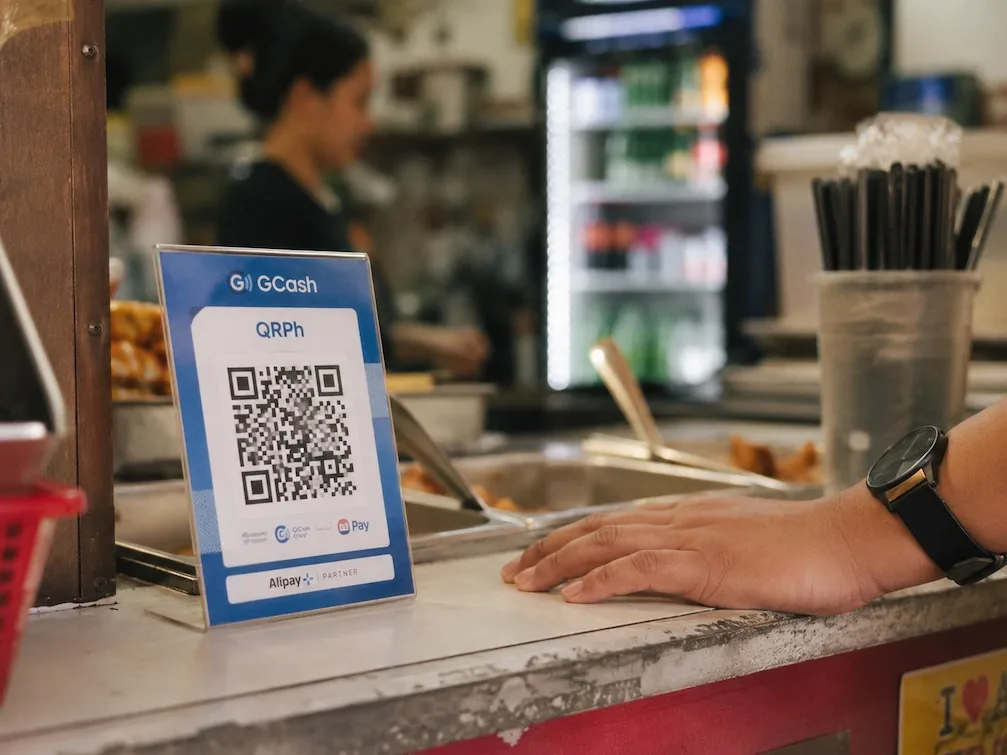
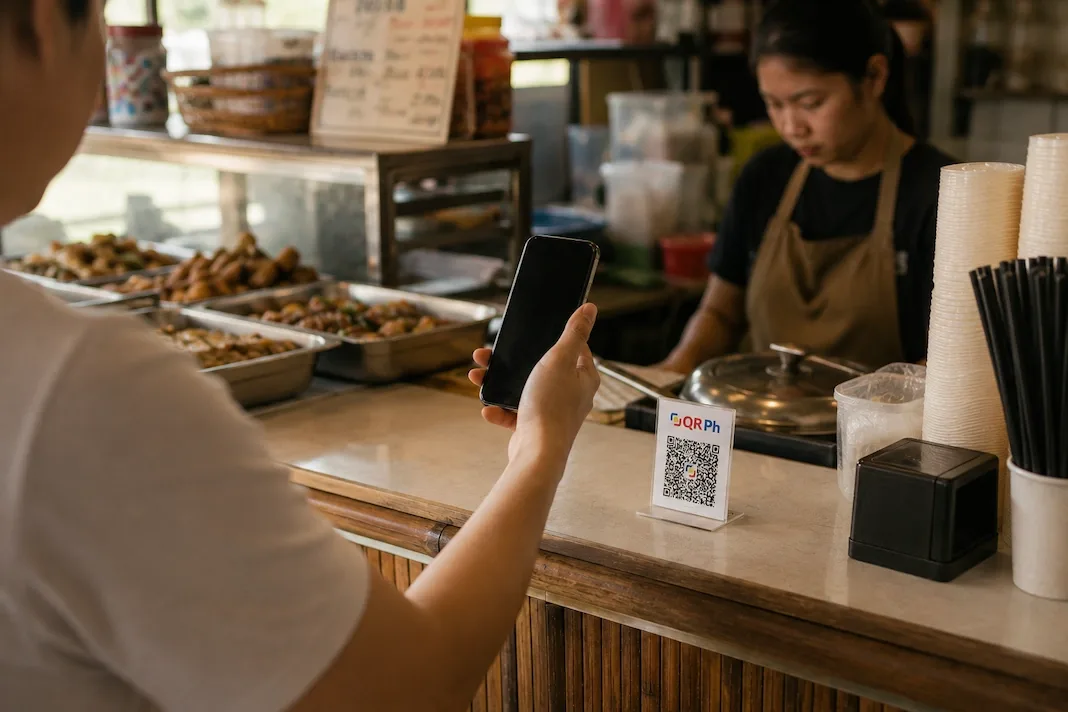
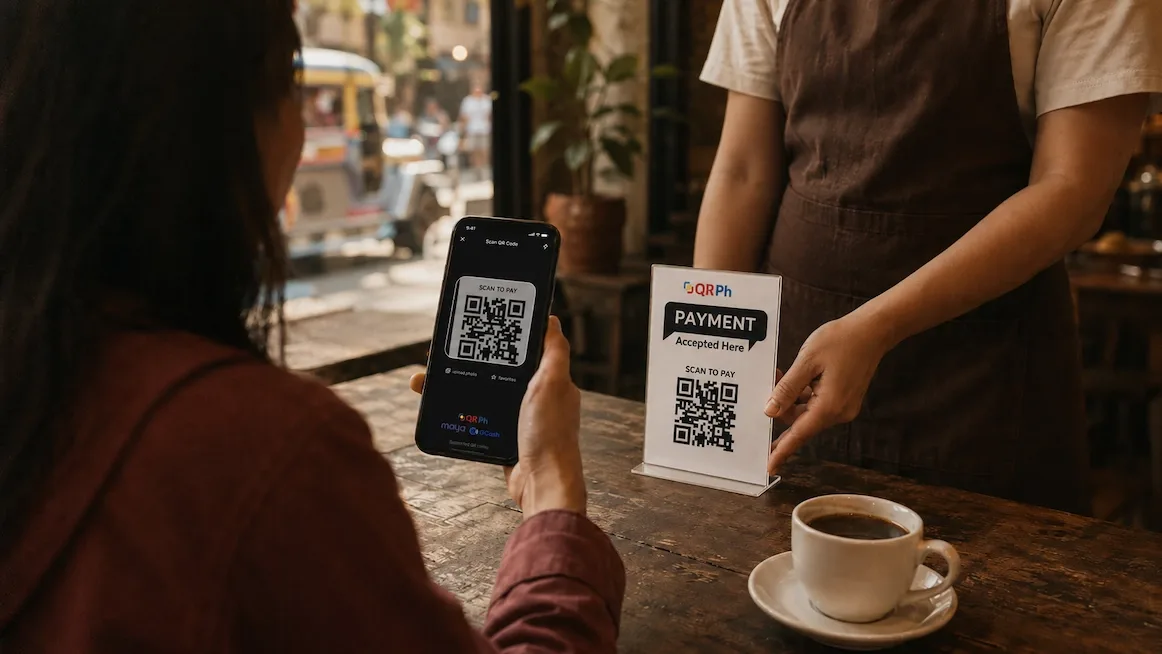
Metro Manila runs on QRPh, the country’s single national QR standard. One code at the counter works across the banks and the big wallets, GCash and Maya included, so cafés, restaurants, convenience stores and a growing number of small shops just tape up a QR and let you scan. Locals pay in seconds, with nothing to convert. The catch for a visitor is that the wallets everyone scans with generally want a Philippine mobile number and local verification, so a lot of travelers fall back to cards and ATMs, which is exactly where the quiet fees live. Cash still matters for jeepneys, tricycles and the smallest carinderias. But for most of what you spend on, the practical move is paying the same QR the locals do.
Pay in three taps
Top up before you go
Load stablecoins (USDC/USDT) into Yodl while you've still got good wifi, ideally before you land so you're not doing it on airport data. This is the balance you'll spend from all trip: your peso float, not yet turned into pesos.
Find the QR at the counter
Look for the QRPh code on a little stand by the register, taped to the counter, or on the cashier's screen. If a place takes GCash or Maya, it takes this. For a market stall or a jeepney that only wants paper, use the small bills you're carrying.
Scan, check the peso amount, confirm
Open the app, scan the code, and check the peso amount it shows against what you're being charged before you confirm. A licensed local company pays the merchant in pesos on your behalf. The cashier sees a normal payment land.
A word on custody, because it’s the useful difference: Yodl is a wallet you control, not an e-wallet account with a sign-up flow you can’t finish without a local number. There is nothing to register for and nobody holding your balance on your behalf. The money is yours, only you can move it, and each payment is approved on your phone before it goes anywhere.
In practice the QR becomes your default fast. The coffee shop, the grocery run, the restaurant bill, the barber: one scan each, no terminal, no signature, no ATM trip beforehand. The cashier watches the same confirmation land that they’d see from any GCash regular, which means checkout involves no explaining, and no one behind you sighing.
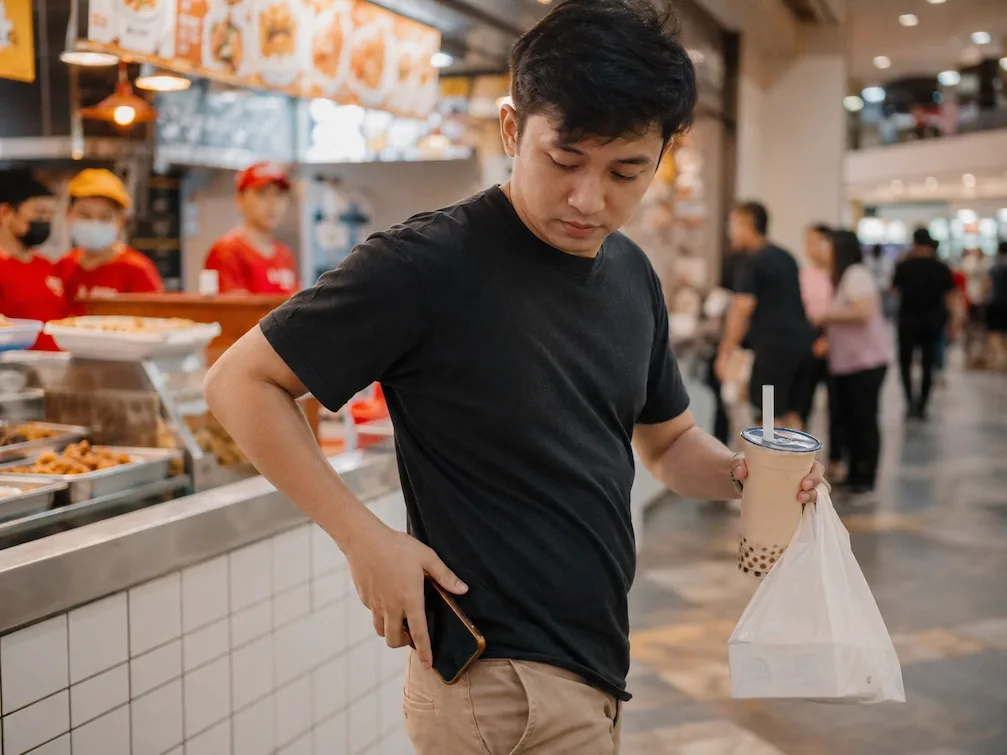
“The savings here come from the fees you skip, not the exchange rate.”
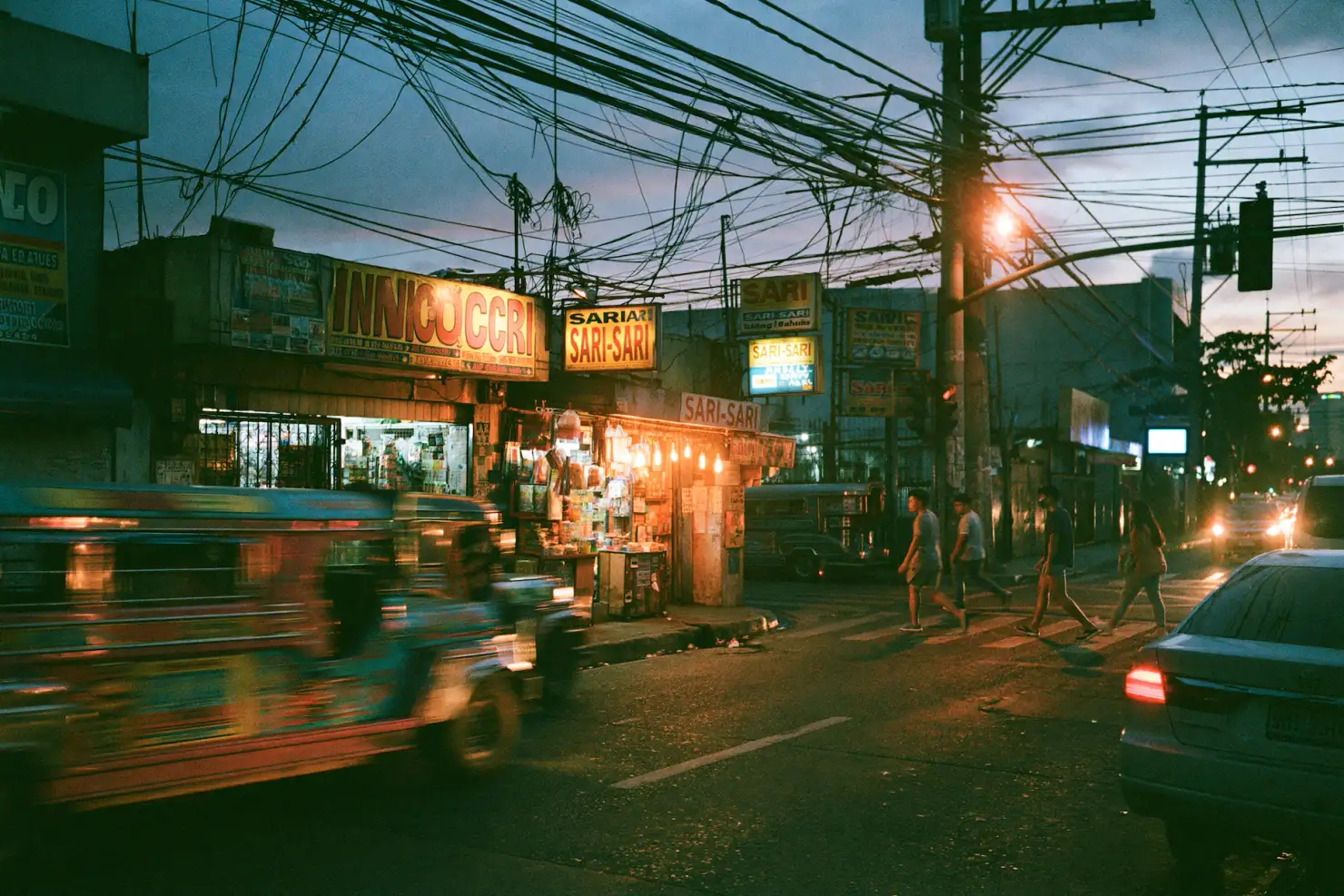
Keep the cash layer thin but real. Small bills handle the jeepney, the tricycle, the sari-sari store, and the carinderia with the handwritten menu; nearly everything bigger in Metro Manila shows a QR or runs a terminal. A practical split: one modest ATM withdrawal for the week’s paper money, the register QR for everything else, and the card staying in the bag as the backup it should be. Every withdrawal you don’t make is a stack of fees you don’t pay.
Where the fees were hiding
The ledger below itemizes one lunch, both ways. On the card path, the price quietly includes the terminal’s markup and whatever your bank charges to convert. On the QR path, it’s the lunch. Manila’s fees are small and frequent, which is the expensive kind, and they compound trip-long precisely because no single one feels worth fighting. Cut them off at the register and the whole trip gets cheaper without a spreadsheet.
A $50 lunch, two ways
Sample · verifyWhat a day costs
What a day costs
Sample · verify| Item | Cost |
|---|---|
| Coffee | — |
| Lunch | $50.00 |
| Dinner for two | — |
| Taxi across town | — |
| Coworking day-pass | Cheapest insurance |
Common questions
So there's no cheaper exchange rate to find?
Right, the Philippines isn't Argentina. There's one peso rate for everyone. What you can avoid is the markup a card terminal adds and the fee an ATM stacks on your withdrawal, a different kind of saving: quieter, but it lands on nearly every transaction.
What if a place only takes cash?
Then you pay cash, and you'll want small bills on you for exactly this. Jeepneys, tricycles, sari-sari stores and the smallest carinderias still run on paper. The move is one modest ATM pull for the week's cash and the register QR for everything bigger, which in Metro Manila is most of what you spend on. Keep the card as a backup.
What happens the moment I scan?
You open the app, scan the QRPh code at the counter, check the peso amount against what you're being charged, and confirm. A licensed local company pays the merchant in pesos, and the cashier sees a normal payment land, the same one they'd get from any GCash regular. You never touch a terminal or sign a slip, and there's no ATM trip beforehand.
Who holds my money, the app or me?
You do. Yodl is a wallet you control rather than an e-wallet account, so there's no sign-up flow that dead-ends without a local number and no company holding your balance for you. The money is yours, only you can move it, and every payment needs your approval on your phone before it goes anywhere.