Part of: Paying in the Philippines
Every guide to paying in the Philippines eventually tells you to get GCash. It’s good advice for someone with a Philippine number and an ID to verify. For a visitor on a two-week trip, the sign-up screen is usually where that plan quietly stalls: the app wants a local number it can text, and a form of local verification you don’t have. The good news is that you don’t need GCash itself, just the code it scans.
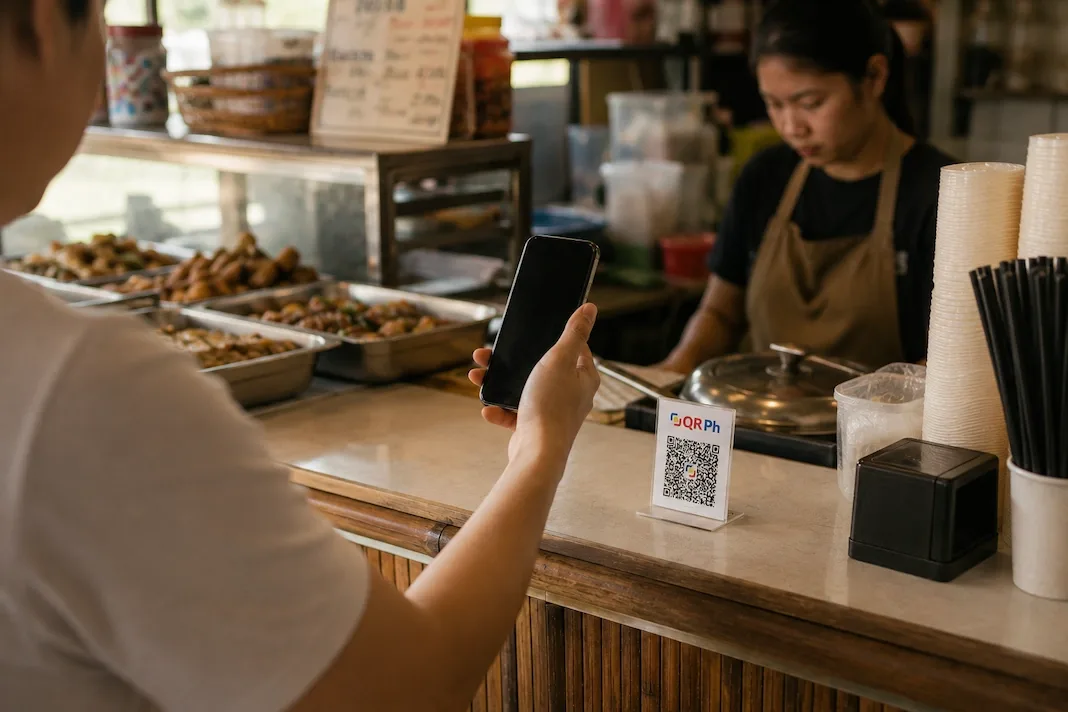
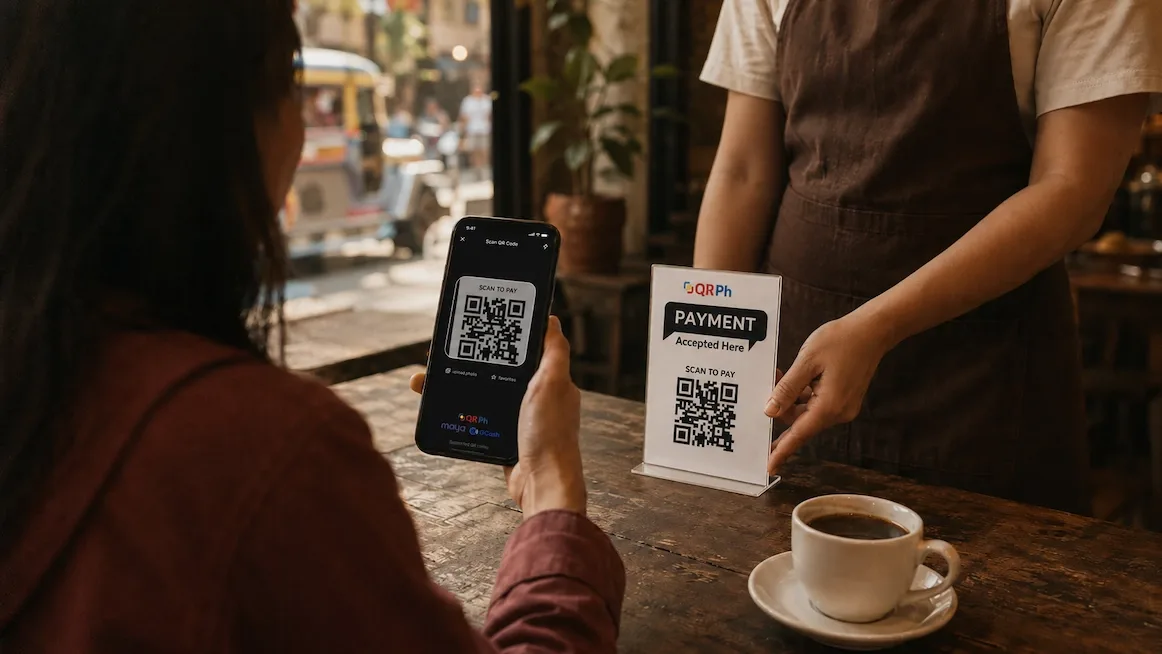
Metro Manila runs on QRPh, the country’s single national QR standard. One code at the register works across the banks and the big wallets, GCash and Maya included. That’s the useful detail: the code is shared infrastructure, not a GCash feature, so anything that can pay it works — including a wallet you brought with you.
Paying without a local wallet
You don't need GCash to pay
The QRPh code at the counter is a national standard, not a GCash-only thing. Any app that can pay it works, and Yodl can, so the sign-up wall stops mattering.
Hold stablecoins, scan, confirm
Load USDC or USDT in Yodl, point it at the QRPh code, check the peso amount against what you're charged, and approve on your phone.
The shop gets pesos
A licensed local company pays the merchant in pesos. The cashier sees an ordinary payment land, the same one a GCash regular would send.
A word on what GCash actually is, so you know what you’re skipping and aren’t missing anything. It’s the country’s dominant e-wallet, the way a huge share of Filipinos pay day to day, and it does far more than payments once you’re set up. But to open one it wants a Philippine number and local verification, and for paying merchants through Yodl you simply don’t need it. The wallet is for residents; the QR is for everyone.
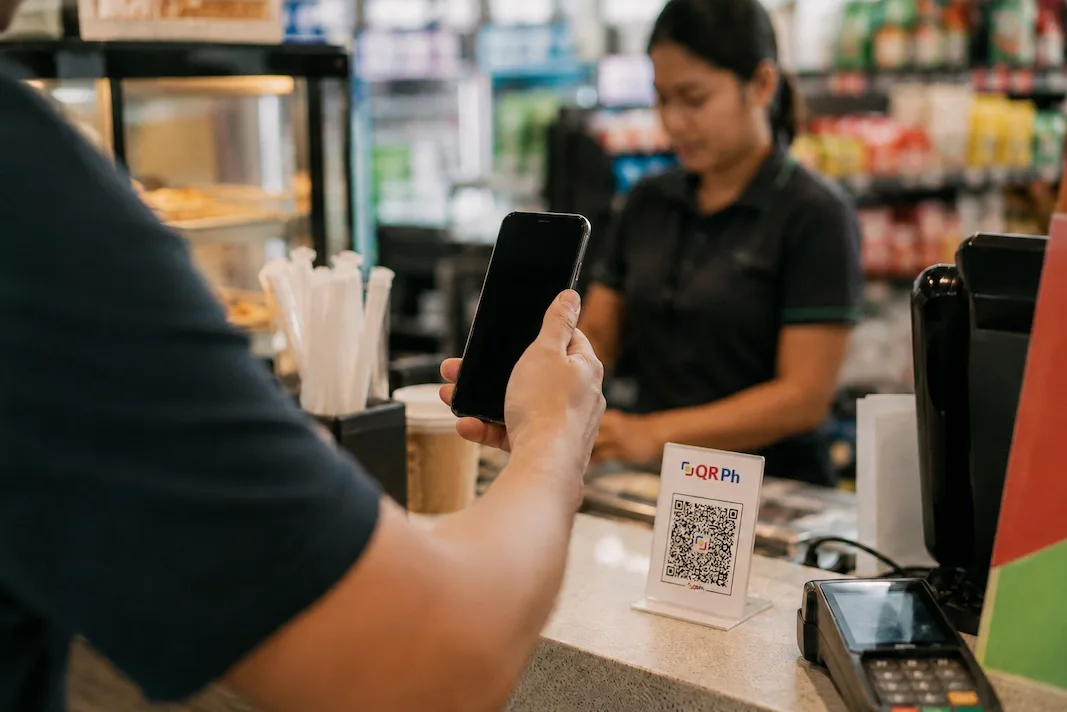
You don't need the app everyone scans with — just the code everyone scans.
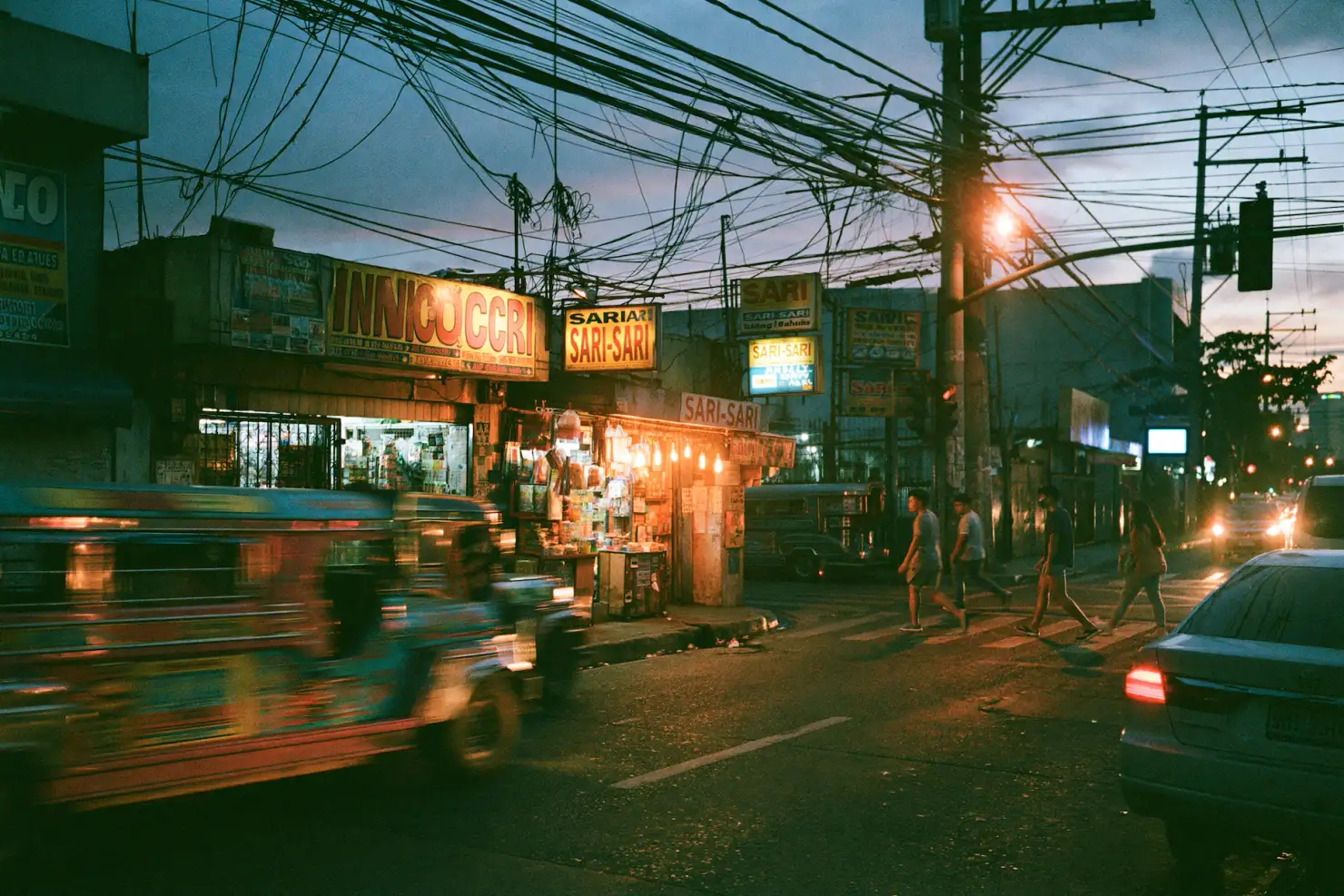
Cash still has its place. Jeepneys, tricycles, sari-sari stores and the smallest carinderias run on small bills, and a modest ATM pull covers a week of them. For everything with a register — which in Metro Manila is most of what you spend on — the QR is the faster, cheaper move, no local app required.
Mistakes to avoid
Buying a SIM just to register GCash
A local SIM still may not clear GCash's verification, and you don't need the wallet to pay the QR anyway. Don't build your trip around finishing a sign-up you can skip.
Paying for a 'GCash for tourists' service
Workaround services that promise to set you up are a risk you don't need to take. For paying merchants, the QR is already open to you.
Assuming tourists can't pay QR at all
You can. QRPh isn't locked to local wallets, so a visitor can pay the same code a resident does.
Using someone else's GCash
Borrowing a friend's account tangles your money with theirs and leaves you dependent on them at every counter. Keep your balance yours.
Common questions
Do I need GCash to pay a QRPh code?
No. QRPh is the national standard, not a GCash-only feature. You can pay the same code from stablecoins in Yodl, and a licensed local company pays the merchant in pesos.
What about Maya, is it different?
Same barrier, same answer. Maya wants local sign-up too. The QRPh code at the register doesn't care which app pays it, and Yodl can.