Part of: Paying in Brazil
São Paulo doesn’t ask to be learned whole. You pick a slice, learn it properly, and treat the rest as places the metro can take you. The system that makes this work is one fare card, a color-coded metro, and ride apps for the gaps.
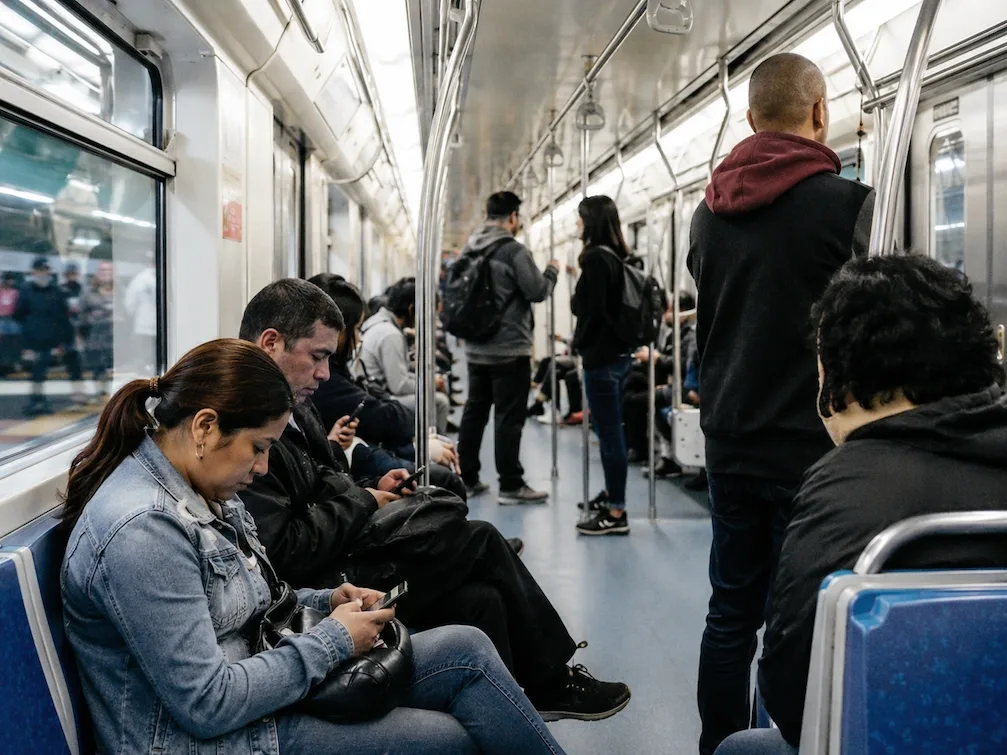
The metro is the backbone: clean, quick, and safe in a way that surprises people who have only heard the city’s reputation.
The system
Get a Bilhete Único card
It is the contactless card for the metro, the CPTM trains, and the city buses, sold at machines inside any station (they switch to English). Top it up and forget it's there. No local tax ID or paperwork involved, and many turnstiles now also read a contactless bank card directly.
Learn the metro colors, not the map
Lines are numbered and color-coded, and most of what a visitor wants sits on the blue, green, and yellow ones. Know the two or three that touch your neighborhood. Trains run frequently, so the platform wait is rarely the slow part.
Ride the apps when the metro stops
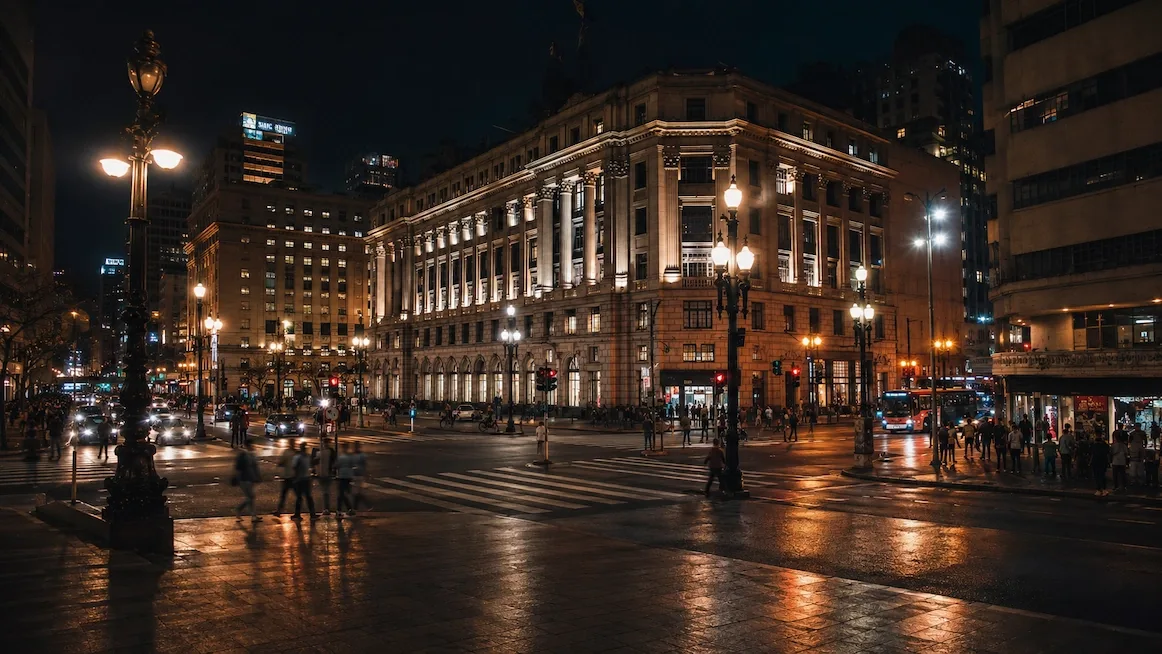
The metro does not run all night, and 2am São Paulo is not a walking city. 99 and Uber are both cheap by big-city standards, and both track the route on your phone. For a night out, that is the whole plan.
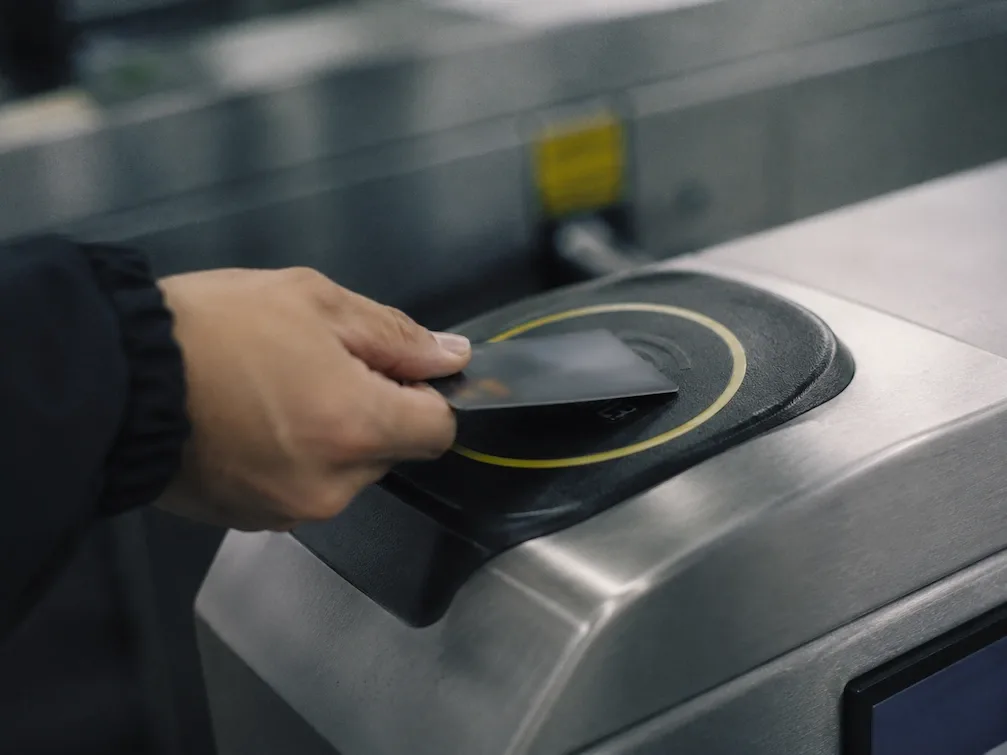
Learn your three metro lines and the city stops feeling like twelve million people.
Mistakes to avoid
Renting a car
You don't want to park it and you really don't want to drive it. The traffic is a permanent feature; the metro plus 99 or Uber covers everything a visitor does, more cheaply and with none of the stress.
Expecting the metro to reach everywhere
It's excellent where it runs, but it doesn't run everywhere. Learn the two or three lines that touch your neighborhood, and mix in city buses, the CPTM trains, and a ride app for the gaps.
Staying loyal to one ride app
99 is the home-grown option and often quotes a little cheaper for the same trip; Uber is the familiar one. Keep both installed and take whichever comes back better at the moment you're standing there.
Trying to walk between neighborhoods
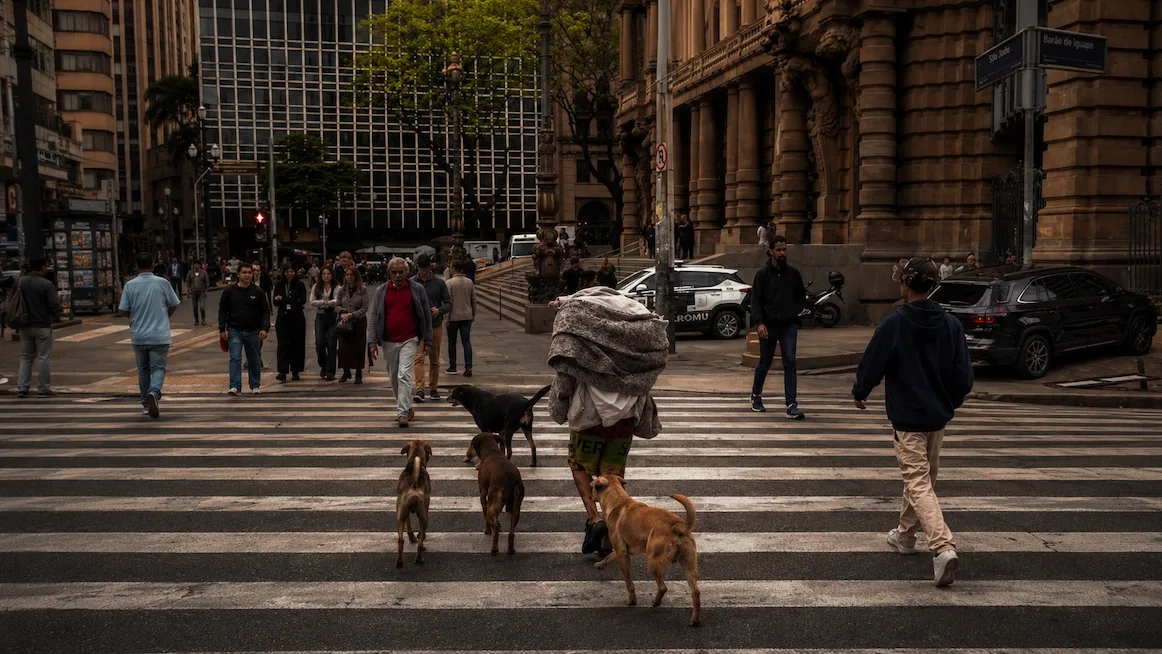
Inside a bairro, walking is the best way around; between bairros it's a long, loud slog. Walk the pockets, ride the gaps, and don't set off across the city on foot to save the price of a short trip.
Common questions
Do I need the card?
If you plan to touch the metro or a city bus, yes. It is the simplest way through the turnstile and the cheapest way to ride. Door-to-door-by-app people can skip it, but on a city this spread out the card pays for itself fast.
Is the metro safe to use?
Yes. It's clean, quick, and busy, and it's the fastest way across town in daylight. Keep your phone in your pocket rather than out on a packed platform, watch your bag at rush hour like you would anywhere, and you'll be fine. It doesn't run all night, so plan a ride app home after it closes.
99 or Uber, which is better?
Both are safe and cheap by big-city standards, and both track the route on your phone. 99 is the local player and often undercuts Uber a little on the same trip. Most people run both and go with whichever quotes the better price and wait at that moment. For a night out, either beats hailing on the street.
Should I rent a car?
No. São Paulo is walkable inside a neighborhood and miserable between them, the traffic is relentless, and parking is its own headache. Between the metro and the ride apps, a visitor never needs a wheel of their own. Save driving for a trip out of the city, if at all.