Part of: Paying in Brazil
The CPF is Brazil’s tax ID number, and it turns up everywhere: buying a SIM, signing up for apps, sometimes just to get a discount at the pharmacy. So it’s a fair worry that you’ll need one to pay for anything, and plenty of forums will tell you a foreigner can’t really use Pix without going through the whole business of a local bank account. For paying merchants, that’s simply not true. The CPF question and the paying question are two different things, and it’s worth pulling them apart.

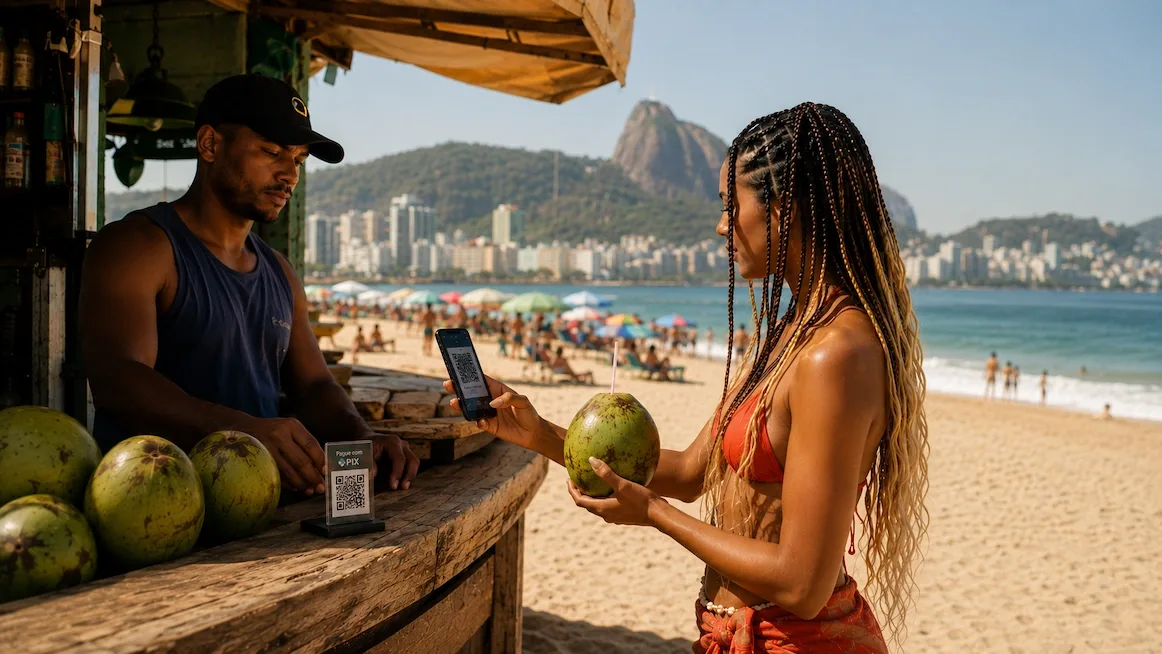
Here’s the split. Opening a Brazilian bank account, or getting a local Pix key tied to your own CPF, does need the CPF. Paying someone else’s Pix QR — the café, the bar, the guy with the coconut cart — does not. An app can do that part for you.
Paying without the paperwork
Skip the bank account
You don't need to open anything Brazilian to pay a Pix QR. No CPF application, no branch visit, no local bank.
Hold stablecoins, scan the code
Keep USDC or USDT in Yodl. Ask for Pix, point the phone at the code, and check the amount reads in reais.
A licensed company pays in reais
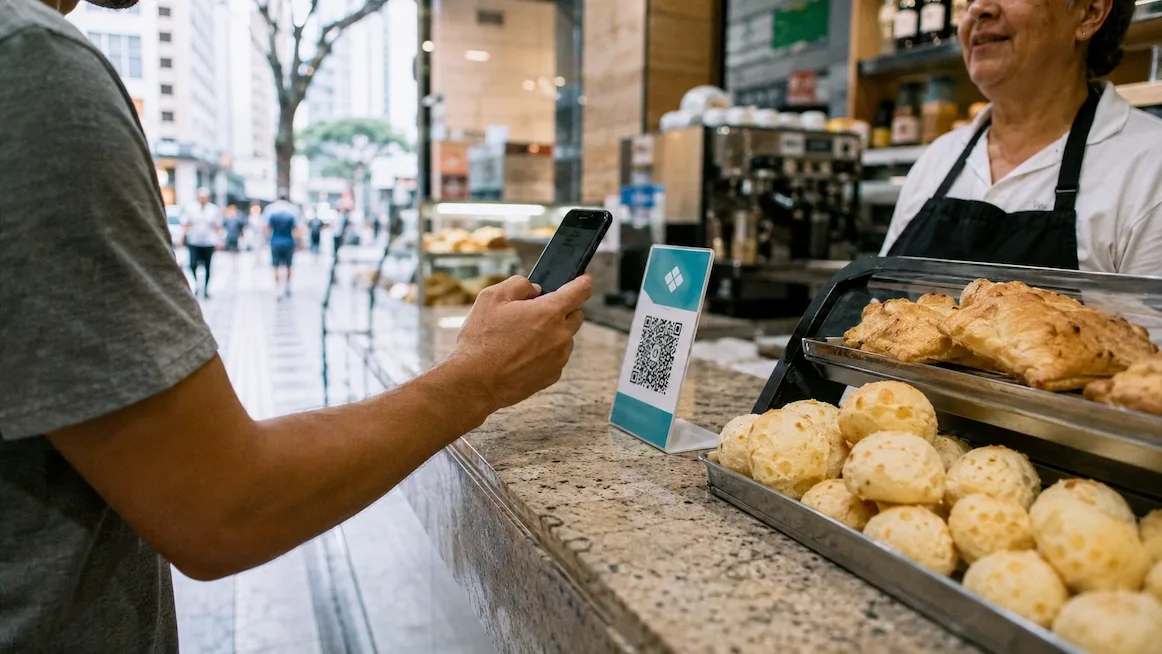
Approve on your phone. A licensed local company pays the merchant in reais, and the register chimes within a second or two, the same confirmation any Paulistano gets.

You need a CPF to open a Brazilian bank account. You don't need one to pay a QR.
That said, a CPF isn’t useless to a visitor. If you’re staying a while, some services — a local SIM on a proper plan, certain apps, occasionally a delivery signup — will ask for one, and having it smooths those over. Whether a tourist can get a CPF, and how, is its own process that changes with the rules, so we won’t lay out steps here that might be stale by the time you read them. The one thing that stays true: you don’t need a CPF to pay a merchant. If someone tells you a foreigner simply can’t use Pix, they’re describing the bank-account route, not paying.
Mistakes to avoid
Opening a Brazilian bank account just to pay
It's a lot of paperwork for a problem you don't have. Paying a Pix QR through an app needs none of it.
Buying a 'CPF service' to use Pix
You'll see services selling to help tourists get a CPF 'so you can use Pix.' For paying merchants you don't need one, so don't buy a fix for a non-problem.
Entering a random or borrowed CPF
Never type in a made-up number or use someone else's. It doesn't help you pay, and it's exactly the kind of thing not to improvise in a payments app.
Assuming tourists can't use Pix at all
The forums that say so are usually describing the bank-account route. Paying the QR is a different thing, and it's open to you.
Common questions
Can a tourist use Pix without a CPF?
Yes, to pay. You hold stablecoins and scan the merchant's Pix QR; a licensed local company pays them in reais. You don't need a CPF or a Brazilian bank account to do that.
Do I need a CPF to pay a Pix QR?
No. A CPF is needed to open a Brazilian bank account or register your own Pix key. Paying someone else's QR through an app needs neither.